Table of Contents
- Overview
- Prerequisites
- Generate API Credentials in OneLogin
- Configuration Steps in ADR SIEM
- Verification (MSSP Only)
Overview
This guide explains how to integrate OneLogin with ADR/aiXDR using the OneLogin API.
Once configured, ADR’s CCE (Collection and Control Engine) will collect logs from OneLogin and forward them to the APE (Analytics and Policy Engine) for centralised visibility, threat detection, and compliance monitoring.
Prerequisites
- Administrative access to the OneLogin Admin Console.
- Administrative access to ADR SIEM UI.
- A running ADR CCE server with its IP address noted.
Generate API Credentials in OneLogin
- Log in to the OneLogin Admin Console.
- Navigate to Developers > API Credentials.
- Click New Credential.
- Enter a descriptive name (e.g.,
Aria-SIEM). - Select Scope: Read All.
- Click Save and copy the Client ID and Client Secret.
- Reference: OneLogin API Credentials Guide. OneLogin Developer Overview
Configuration Steps in ADR SIEM
- Log in to the ADR SIEM UI with administrator rights.
- Navigate to Administration > Add-on Store.
- Search for OneLogin and click Add.
- Fill in the details:
| Field | Value / Instruction |
|---|---|
| Device | Select OneLogin |
| Name | Enter a descriptive name (min. 3 characters) |
| CCE Host | Enter the CCE IP address |
| Access ID / Username | Enter the OneLogin Client ID |
| Password / Secret Key | Enter the OneLogin Client Secret |
| Config (JSON) | Enter {} (empty JSON) |
Click Save to complete integration.
Verification (MSSP Only)
On ADR GUI Console
- Open the ADR GUI Console with the appropriate administrative rights user.
- Navigate to System Monitoring and drop down to System > Logs/Flows Collection Status.
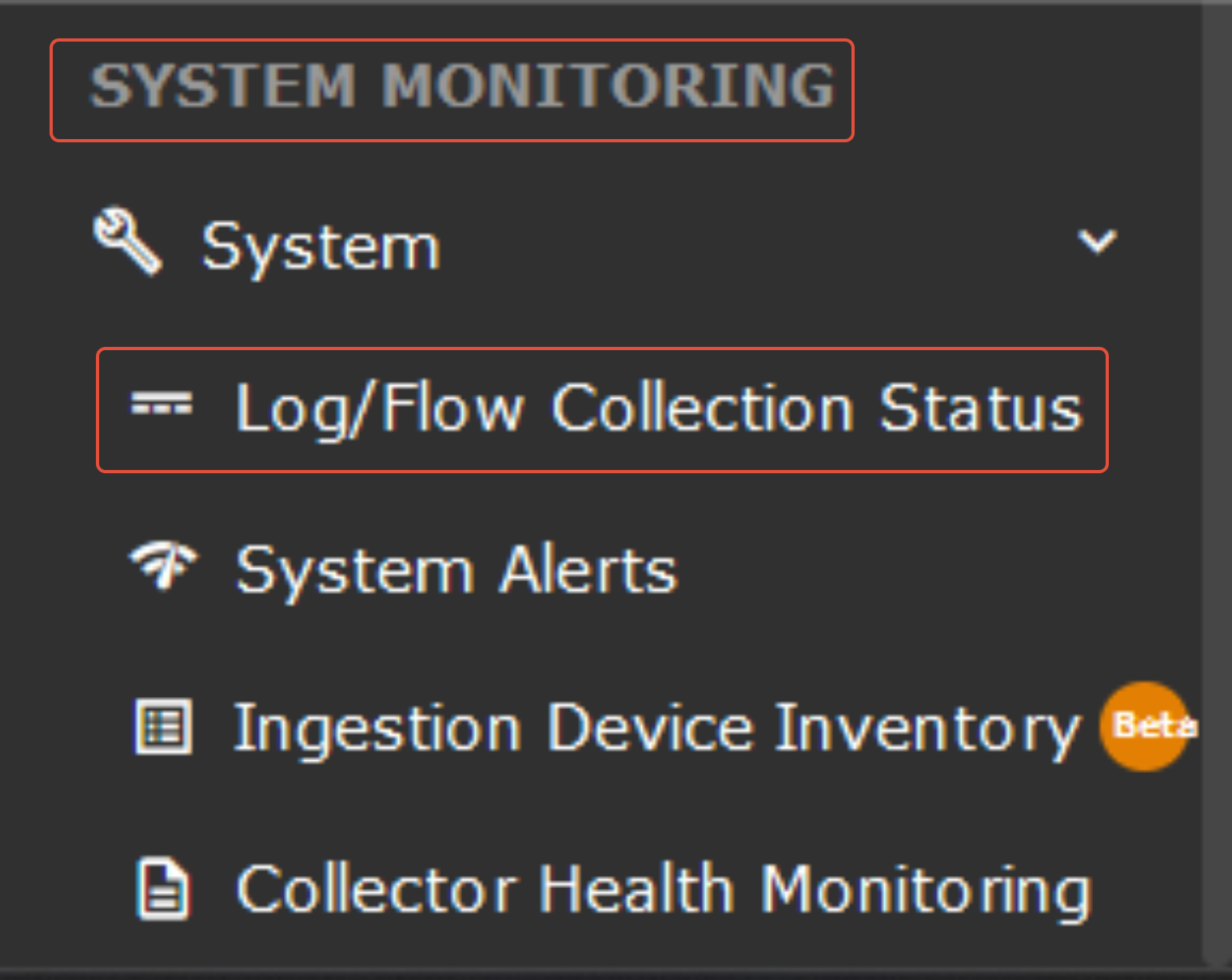

- Verify that the OneLogin device appears under Source Device IP.
On ADR CCE CLI
- SSH into the CCE server.
- Run the following commands to verify the OneLogin add-on:
otmdoc -s addondevice - Enter the add-on container and run:
crontab -l - Copy the Python script path listed (e.g., python3 OneloginSecurity.py) and execute it to confirm log retrieval.
Was this article helpful?
That’s Great!
Thank you for your feedback
Sorry! We couldn't be helpful
Thank you for your feedback
Feedback sent
We appreciate your effort and will try to fix the article