TABLE OF CONTENTS
Overview
This guide provides step-by-step instructions to integrate Seqrite Endpoint Security (EPS) DLP with ADR SIEM via Syslog.
The integration enables centralized collection, monitoring, and analysis of DLP-related events such as file transfers, USB usage, and print activities.
Prerequisites
Administrator access to Seqrite EPS Console.
CCE Syslog server IP and port (default: UDP 514).
EPS server must be able to reach the Syslog server over the configured port.
Firewall rules must allow traffic on the Syslog port (UDP/TCP 514).
Configuration Steps
Log in to Seqrite EPS Console
Open your browser and go to the Seqrite EPS URL (e.g.,
https://<eps-server>:port)Login with your administrator credentials.
Enable Syslog Forwarding
Go to Admin Settings > SIEM Integration.
Under the SIEM Settings, enable the Syslog option.
Provide the following details:
Syslog Server IP/Hostname:
CCE IP AddressPort:
514Protocol:
UDPLog Format: CEF
Click Save Settings.
Configure Events for Logging
Navigate to Reports > DLP Reports.
Enable/verify event types to be forwarded (e.g., File transfer, USB usage, Print events, etc.)
These selected logs will now be pushed to the configured Syslog server.
Verification Steps (MSSP Only)
Verification through ADR GUI Console
Open the ADR GUI Console with appropriate administrative rights user.
Navigate to System Monitoring and drop down to System >> Logs/flows Collection Status.
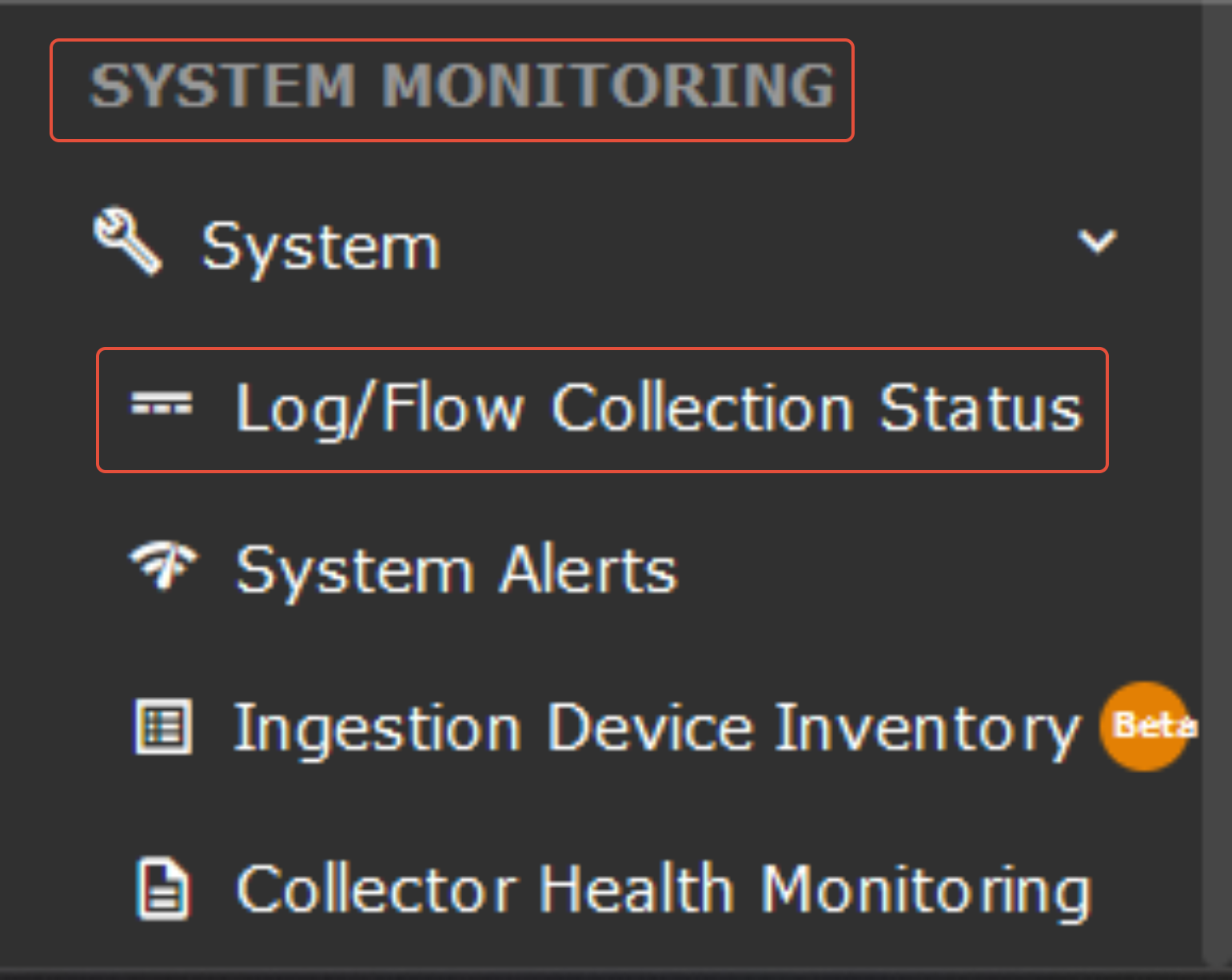
Under the Source device IP address section, the device "seqrite" configured will be reflected.
Verification Through the CCE server
The following command should be run on the CCE server to check whether or not we are getting logs.
sudo tcpdump -i any port 514 and host <Device IP address> -s0 -AAA
Was this article helpful?
That’s Great!
Thank you for your feedback
Sorry! We couldn't be helpful
Thank you for your feedback
Feedback sent
We appreciate your effort and will try to fix the article