TABLE OF CONTENTS
Overview
We’re going to configure the rsyslog server as the Central Log Management System. This follows the client-server model where the rsyslog service will listen either on UDP or TCP port. The default port used by rsyslog is 514. On the client system, rsyslog will collect and ship logs to a central rsyslog server over the network via UDP or TCP ports.
Rsyslog is installed by default on a freshly installed Ubuntu system. If for any reason the package is not installed, you can install it by running:
Steps of Configuration
Run the following commands:
sudo apt-get updatesudo apt-get install rsyslog

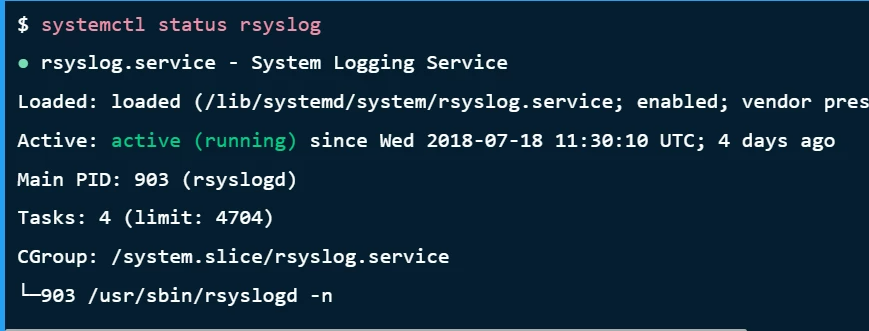
When installed, check the service to see if it is running:
$systemctl status rsyslog ●rsyslog.service - System Logging ServiceLoaded: loaded (/lib/systemd/system/rsyslog.service; enabled; vendor preset: enabled)Active:active (running)since Wed 2018-07-18 11:30:10 UTC; 4 days ago Main PID: 903 (rsyslogd) Tasks: 4 (limit: 4704)CGroup: /system.slice/rsyslog.service└─903 /usr/sbin/rsyslogd -n
Configure Rsyslog to Run in Server Mode
Now configure the rsyslog service to run in server mode:
sudo vim /etc/rsyslog.conf
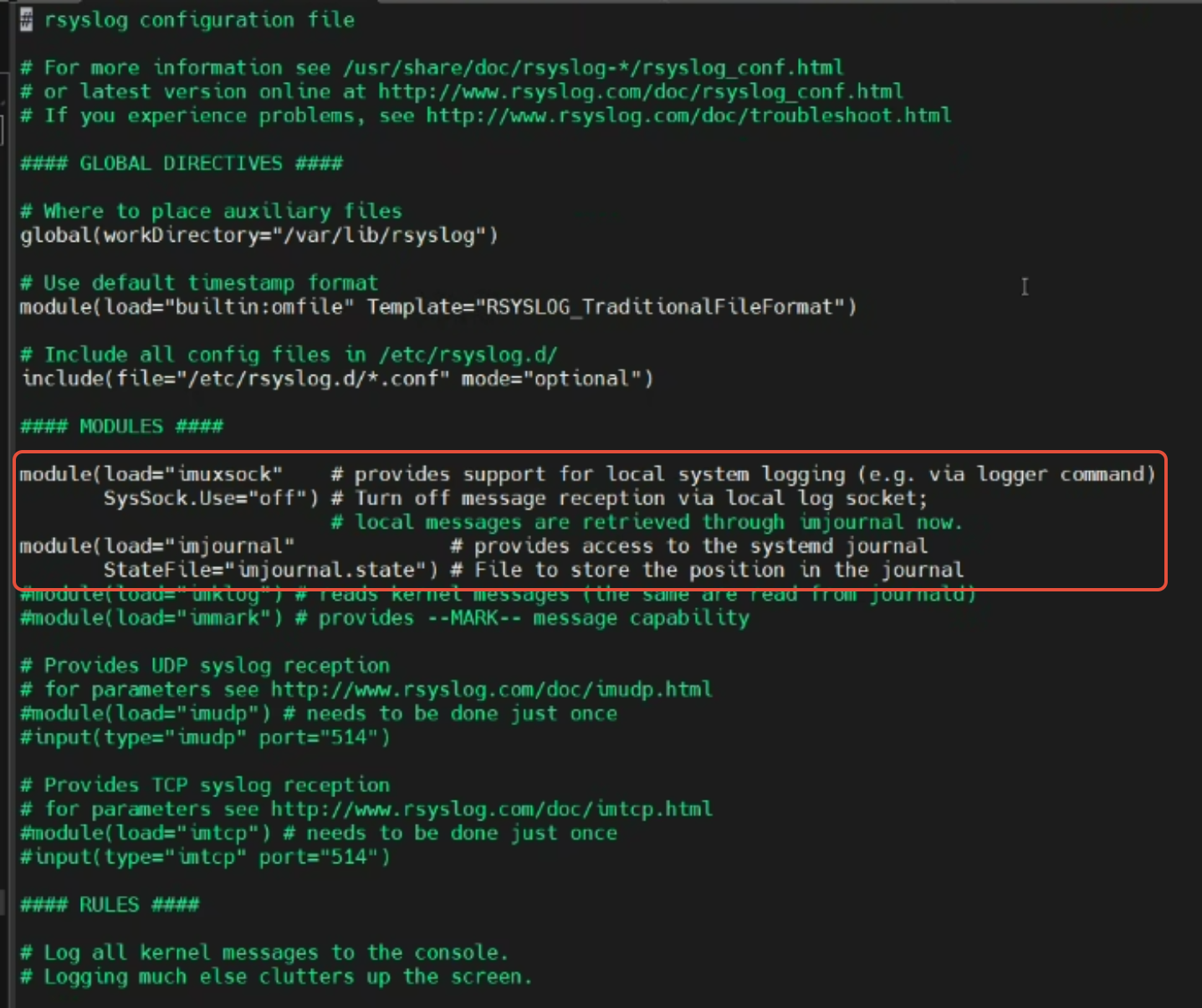
Uncomment this part:
imuxsock, imjournal
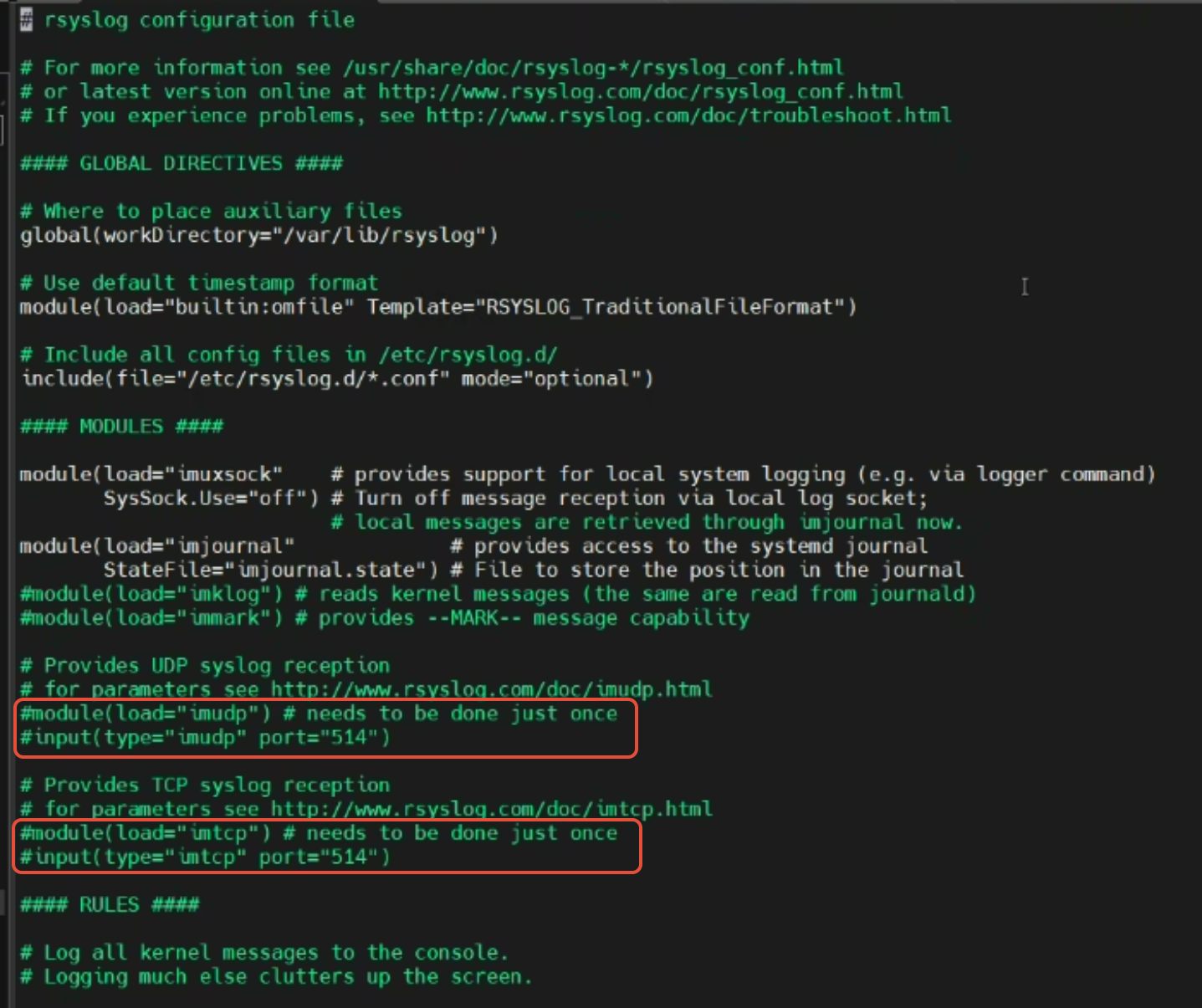
Comment the lines for UDP and TCP port binding:
#module(load="imudp")#input(type="imudp" port="514")#module(load="imtcp")#input(type="imtcp" port="514")
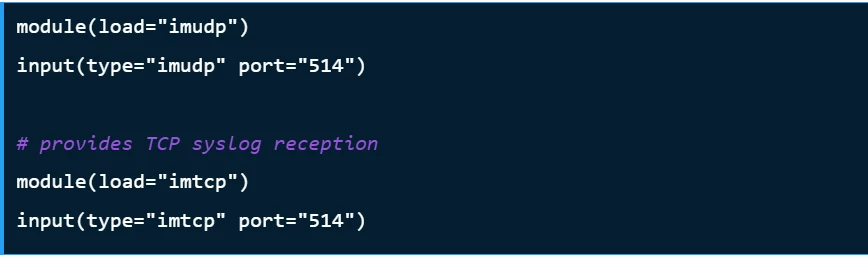
Add a line to forward logs to the server:
*.* @<Collector_Server_IP_Address>:514(Optional) If you would like to limit access from to specific subnet, IP, or domain, add this below"
$AllowedSender TCP, 127.0.0.1, 192.168.10.0/24, *.example.comYou can add the above line after input(type="imtcp" port="514") the line. Remember to substitute given values with correct ones
Verification (MSSP Only)
Verify Log Forwarding
Generate a test log message on a client machine:
logger -t "TestLog" "This is a test log message."
UI
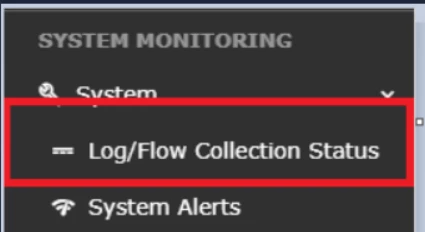
Login to GUI Console with appropriate access & navigate to System > Log/Flow Collection Status.
Server
Check in the backend (CCE server) using the command:
sudo tcpdump -i any port 514 and host <IP of server>
Was this article helpful?
That’s Great!
Thank you for your feedback
Sorry! We couldn't be helpful
Thank you for your feedback
Feedback sent
We appreciate your effort and will try to fix the article